
The collaborative video with my brother on YouTube has surpassed 500,000 views!
Since we received many requests in the video's comment section for a "ToDo page template,"
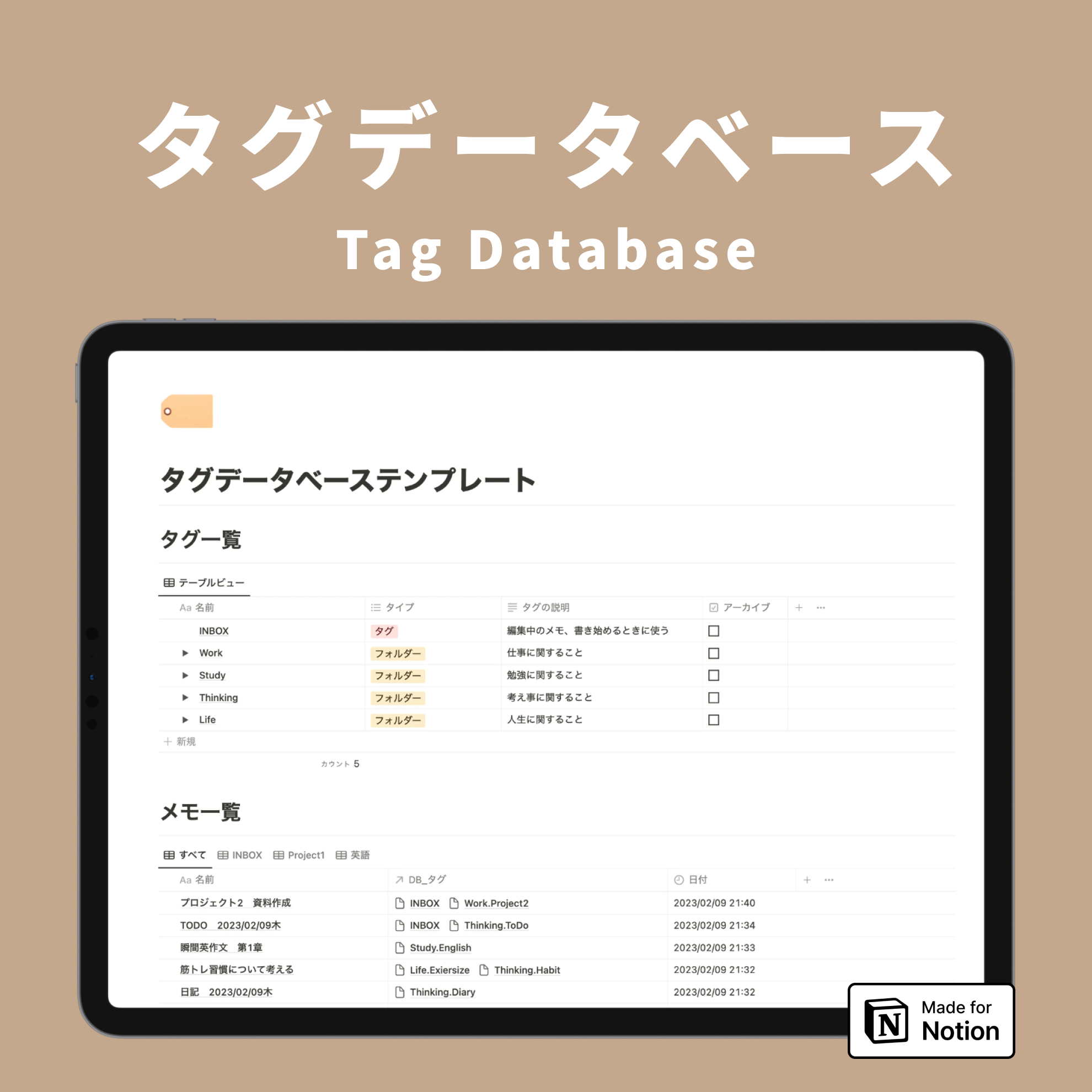
I created a template that includes a ToDo page replicating the video and a popular tag database.

This time, I'll provide a detailed explanation of this "Daily Note Template," which allows you to manage your daily schedule and tasks all on one page.

If you haven't seen the collaborative video with my brother yet, please check it out here!
📝 Overview of Daily Notes
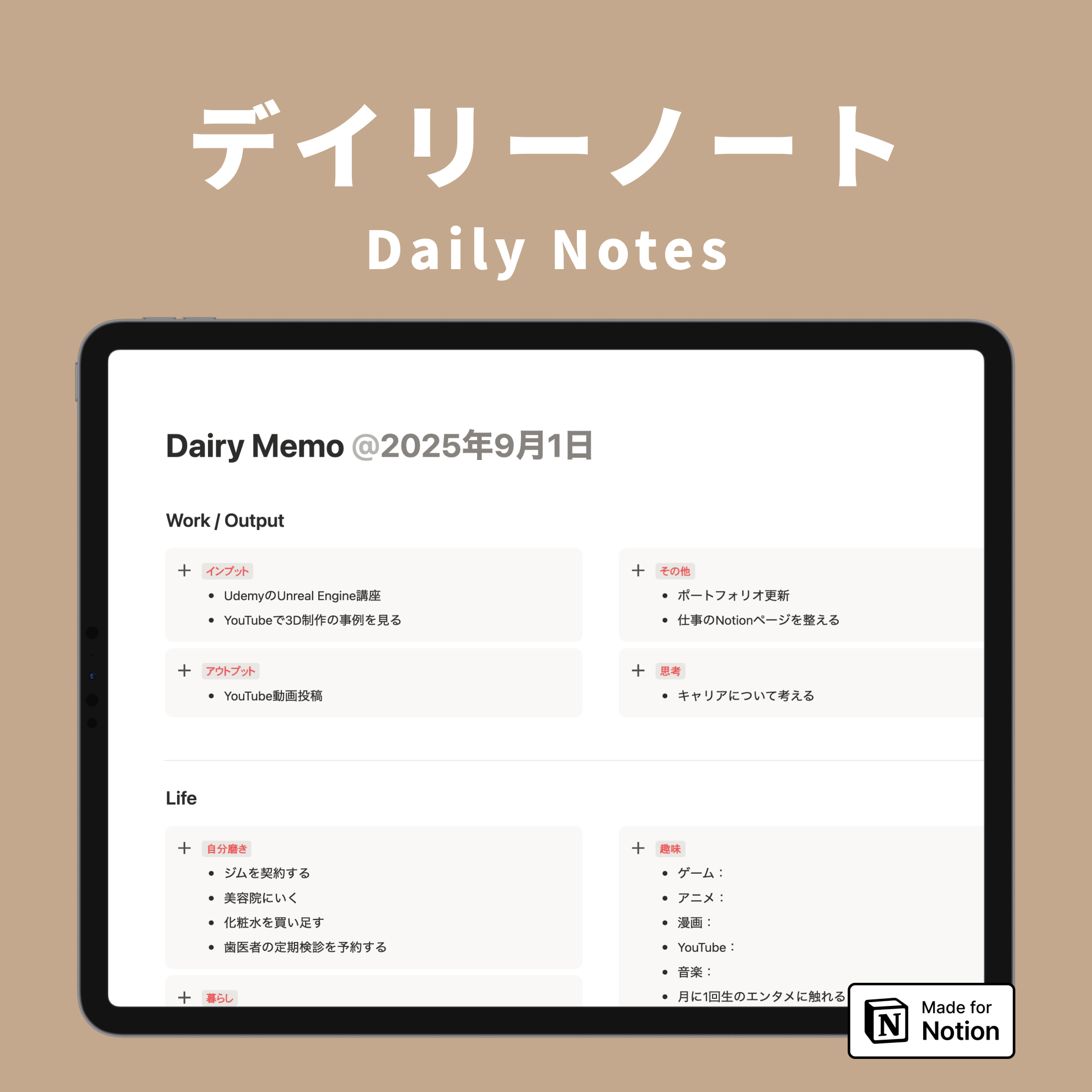
Daily Notes is a page where you can manage your daily ToDos, notes, and schedule all in one place.
It's very simple to use. Every morning, you just duplicate the previous day's Daily Note and customize it for the current day.

The page includes all the items you want to manage daily, such as notes, schedule, habit tracking, ToDo management, and a diary.
The schedule and diary are databases, so you can look back at past records from any page.
Notes and tasks are simple text, so you can carry them over to the next day or rewrite and reset them.
✏️ Quickly Jot Down Notes

At the top of the page, I've provided a note-taking section where you can quickly jot down text.
Please start by writing down rough plans for the day or tasks that absolutely must be done.
🗓️ Schedule Accessible from Any Day

Below the notes, there's a schedule database.
This database is embedded in all pages, so you can view the same calendar from any day's page.
🏃 Track Daily Routines with Habit Management

In the habit management section, you can set and check your daily routines.
On the right side, there's space to jot down things to keep in mind or things you want to try within your routine.
These notes can also be carried over to the next day, allowing you to advance habit formation by being mindful of what you've written daily.
☑️ Simple and Easy-to-Oversee ToDo Management

For task management, ToDos are managed across three categories: "Work," "Output," and "Life."
You can simply write down what needs to be done, and if something isn't completed, you can carry it over by leaving it on the next day's page.
If you write down priorities, you can consciously work on tasks every day.
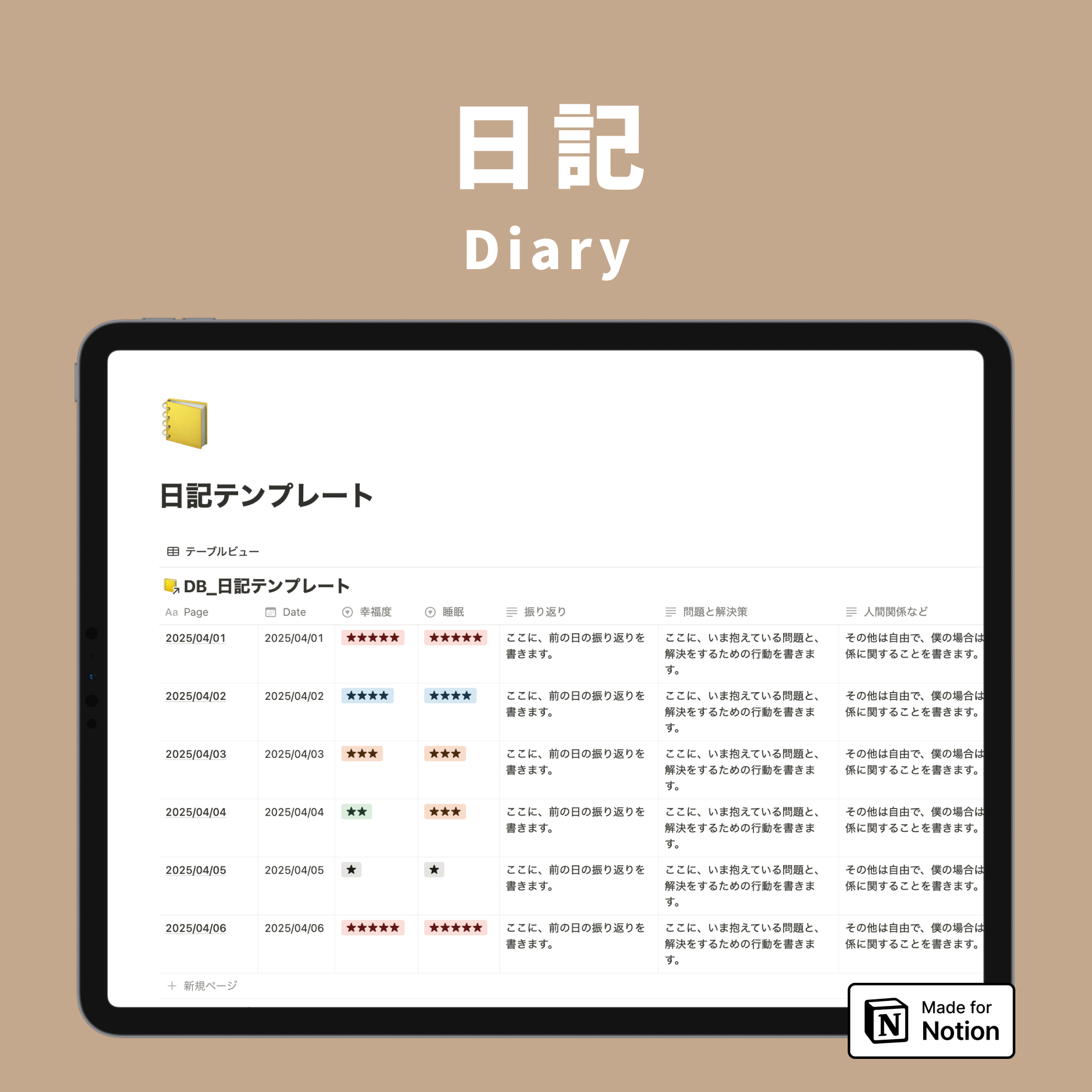
📒 Reflect on Your Day with a Diary

By writing a diary at the end of the day, your daily note is complete.
The diary is also a database, so you can look back at past entries anytime.
🗂️ How to Use the Daily Note Template
The Daily Note template consists of two databases: a "Cabinet" for notes and a "Tag List" for organizing notes with tags.

📦 How to Use the Cabinet

In the "Cabinet," you can store notes other than daily notes, as shown in the video.
Here are the steps for using daily notes:
First-time use:
1. Create a new page in "Cabinet" and select the "Daily Memo" template.
2. Fill in the page content.

From the second day onwards:
1. Duplicate the previous day's page.
2. The page date will automatically update to today.
3. Rewrite the page content to today's details.

🏷️ Organize Notes with the Tag List

The "Tag List" is used to categorize the notes stored in the cabinet.
First, create the tags you want to use for categorization, then apply relevant tags to the notes you create in the cabinet as needed.

When you open a tag page, you can see a list of all notes that have been assigned that tag, making it easier to find information later.
For a more detailed explanation of the tag database, please check out this article!
🔗 Explanation of the tag database for organizing Notion, which has garnered 200,000 views.
https://kurashi-notion.com/blogs/notion/tagdatabase
Summary
That concludes the introduction to the Daily Note Template!
The Daily Note is perfect for those who want to manage their daily schedule and tasks in one place, and for those who want to keep a daily record.
Check out the template here!
A template for just the "Tag Database" for organizing notes is also available, so feel free to check that out if you're interested.

Introducing "Todotion," the ultimate task management template for Notion!

The 2-hour "Notion Master Course" is now available, teaching you Notion from scratch via video!

My book, "Notion Lifehacks," which introduces 36 ways to use Notion, is also now on sale!