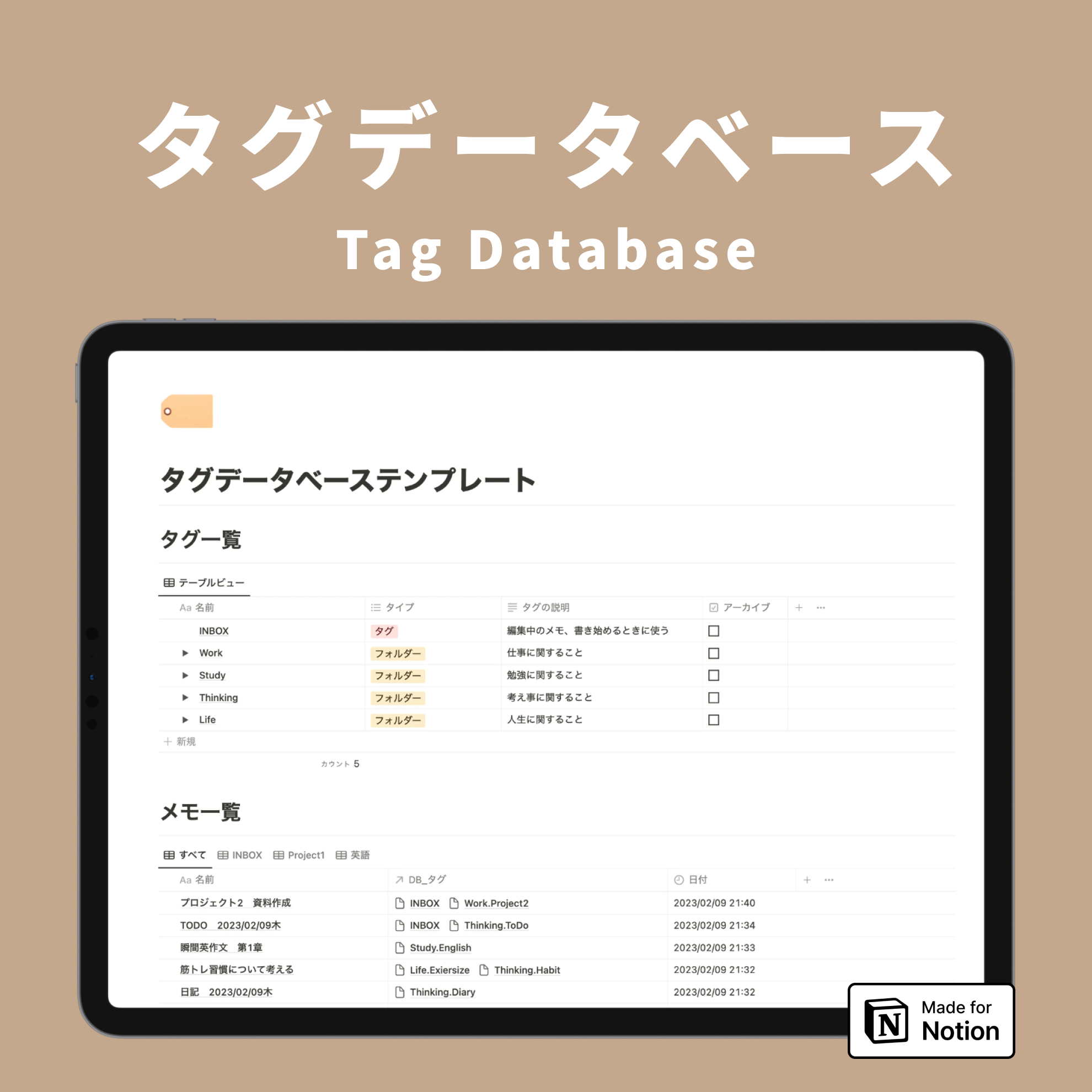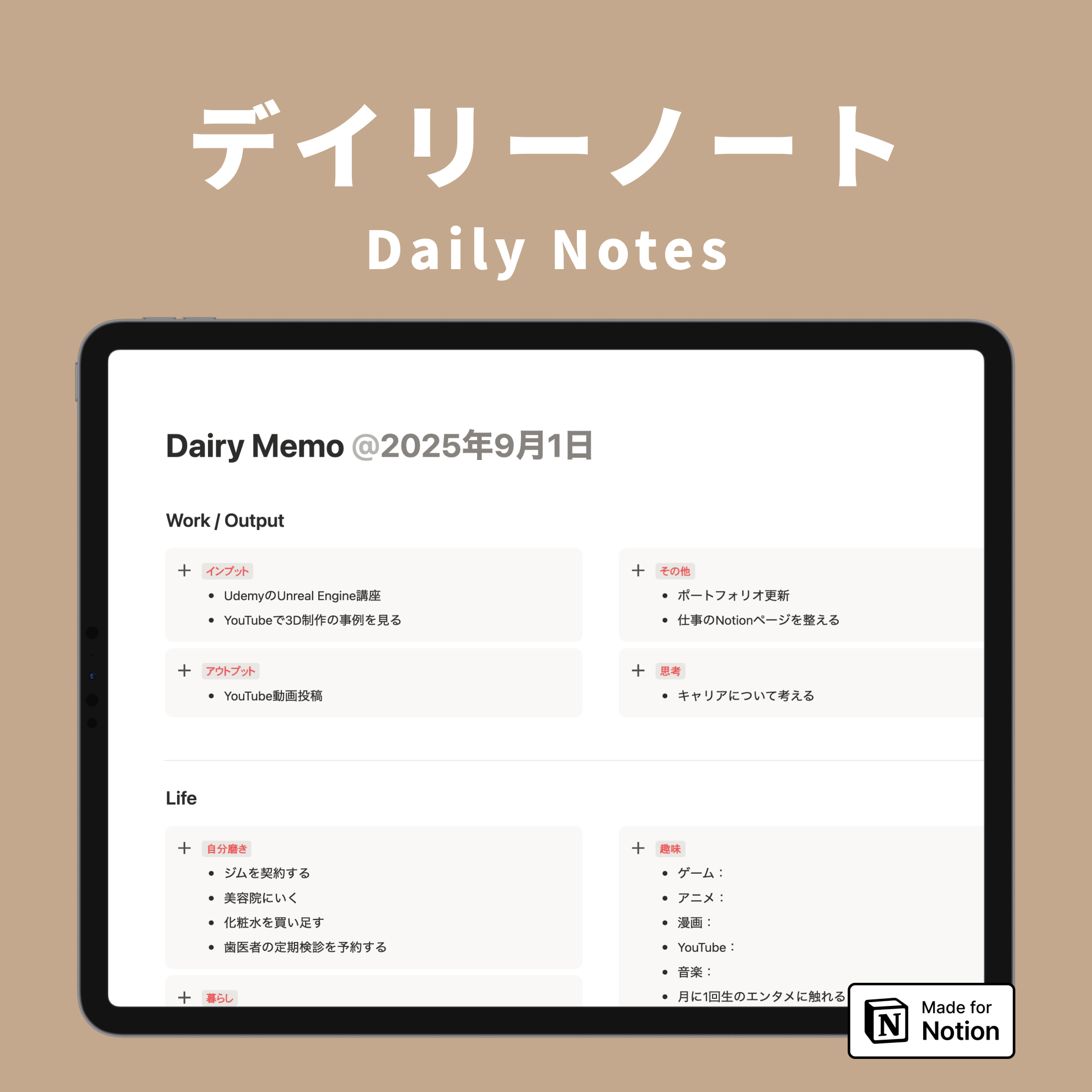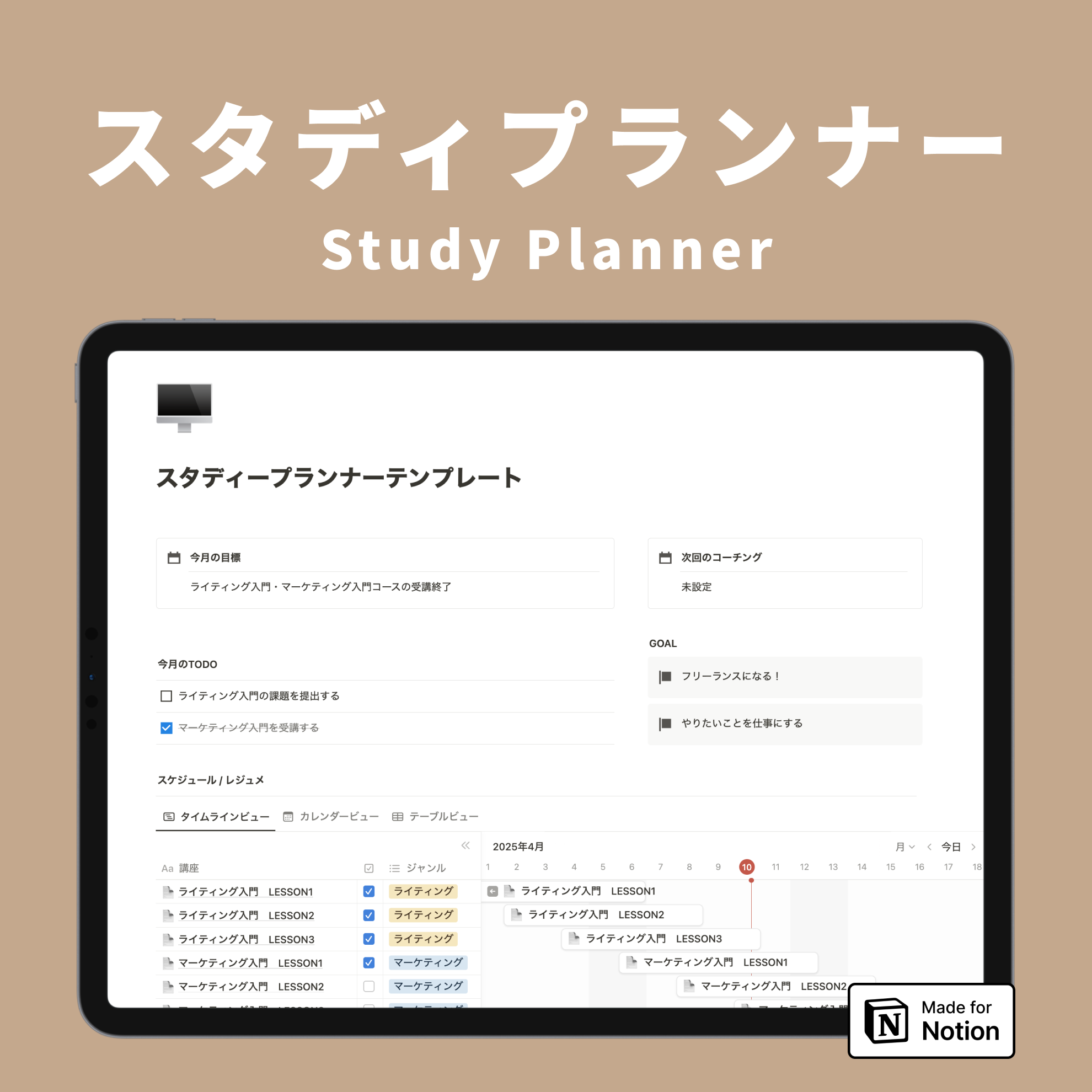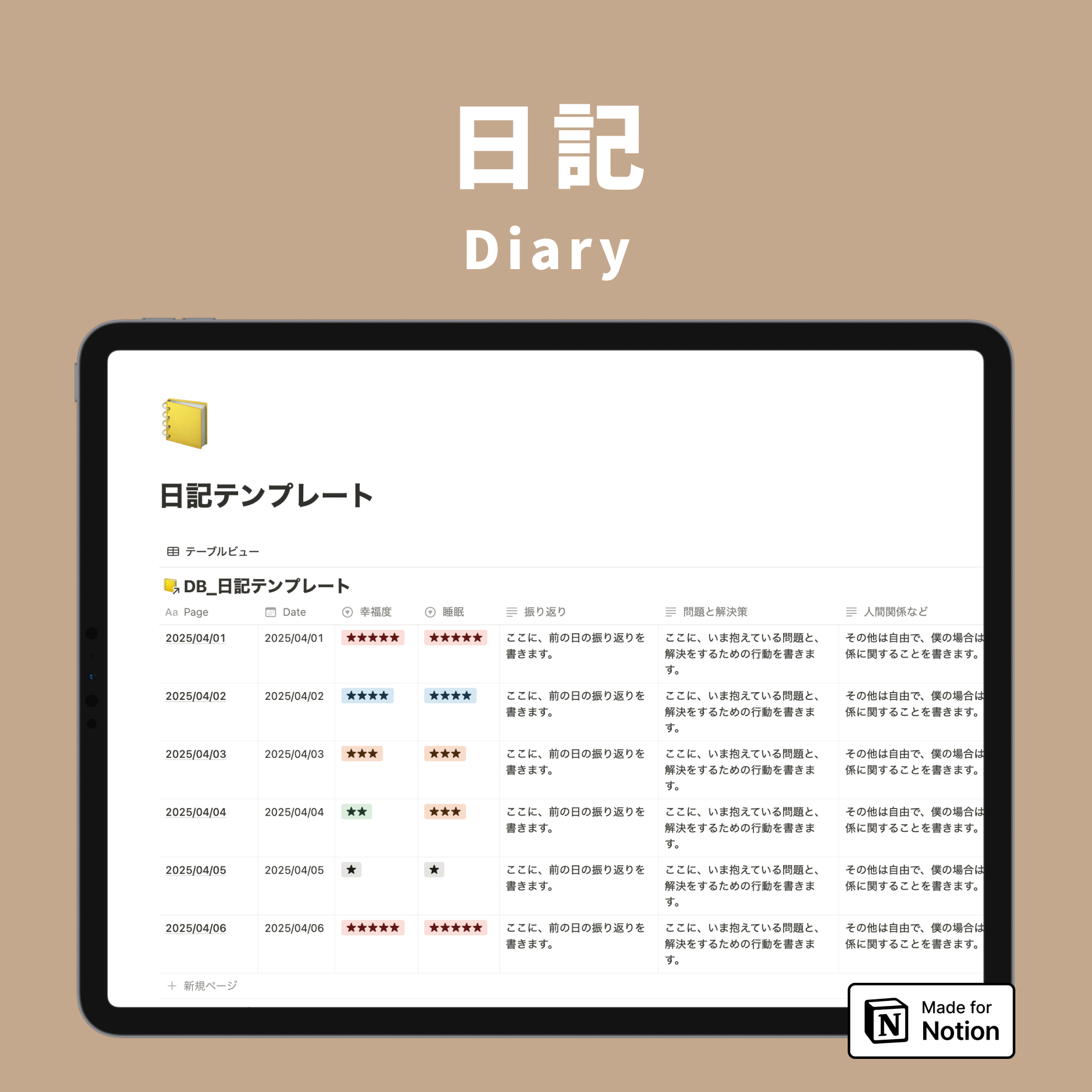

Notion is constantly releasing new features. This time, we've gathered new features from Notion that will make your pages more stylish!
These include features that allow you to change colors and enjoy a simpler page design.
Be sure to try out the new features that catch your eye!
🎬 Director:Rei
✍🏻 Writer:Minokurumi
1. How to color buttons
Notion's button feature was released last year.
Until now, it was not possible to change the color, but with an update, you can now change the text color and background color.
Before

After

Bottom row: Changed background color
You can choose from 10 default Notion text colors and 10 background colors. Assign your favorite colors to further enjoy designing your pages.
🔧 How to set up
Click the "⋮⋮" mark that appears when you hover over the button, then select your desired color from "Color".

It's recommended to match the page's theme color or icon color for a cohesive look.

🔗 Click here for a detailed explanation of the button feature!
2. Colorful Simple Tables
Next, we'll introduce a new feature related to color changes.
The simple table feature, as its name suggests, allows you to create simple tables. Previously, you could only set colors for the headings, but with the update, you can now set colors for each row and column.
Before

After

Right column: Set text color
Both text and background colors can be set using the following method. Not only vertical columns, but also horizontal rows can be changed in color in the same way.

🔧 How to set up
Hover over the simple table and click the ":::" mark that appears. Select the row or column whose color you want to change, then choose your desired color from "Color."

The simple table is convenient when you want to create a quick table without building a full database.
By arranging the colors, it should be easier to blend in with your page design.
3. Hide database icons
Next, an update to the page icon that can be set for each individual page in a database.

It's very convenient for distinguishing pages, but sometimes it can be a bit of a hassle to set it up when you have many pages.
However, if you don't set an icon, the default icon will appear like this, which was a problem because it didn't look very good.
Now you can finally choose to show or hide page icons!
Before

After

🔧 How to set up
Click "..." in the upper right corner of the database, then click "Layout." Turn off "Show page icon."
(You can set this in other views besides table view as well.)
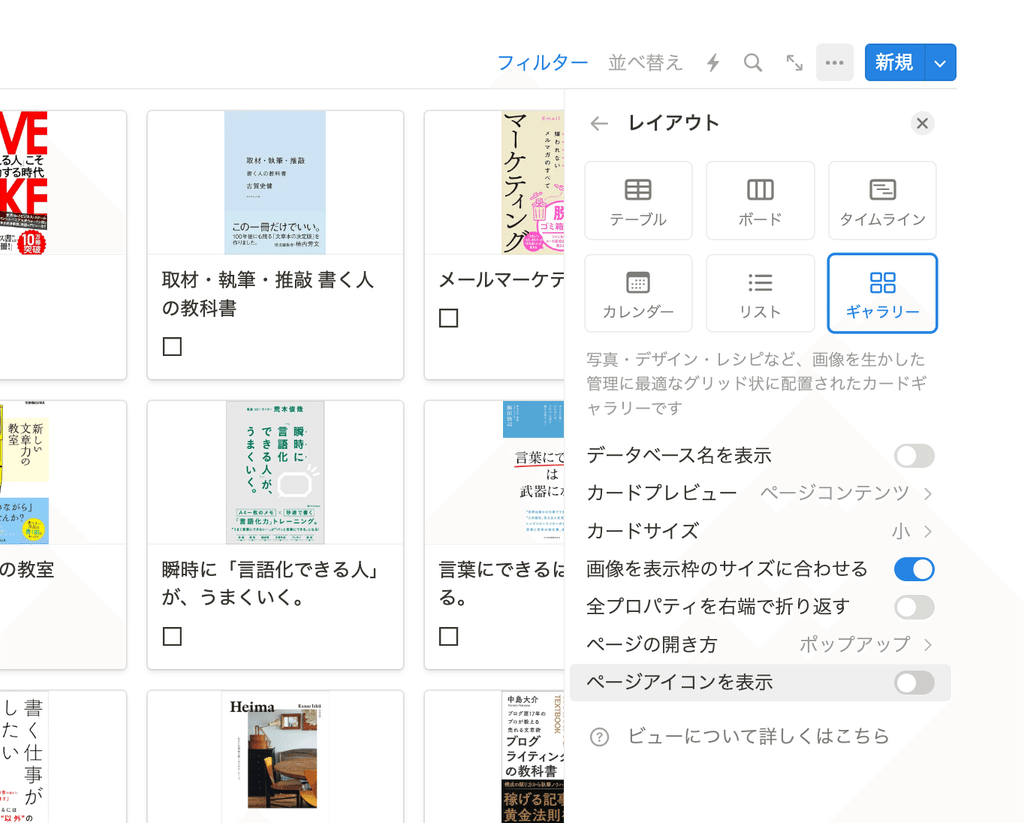
Now, databases can be enjoyed with a simpler look.
In addition to the book list, web clips and recipes distributed by Kurashi to Notion should also look neater by hiding the icons. Please give it a try!
4. Hide weekends in Calendar view
Calendar view allows you to display databases in a calendar format by month or week.
Did you know that you can actually set the calendar to display only weekdays from Monday to Friday?
Before

After

If you don't need the weekend slots, such as on work pages where you only view weekdays, turning off the display can make the calendar appear larger and neater.
🔧 How to set up
Click "..." in the upper right corner of the database, then click "Layout." Turn off "Show weekends."
(This can only be set when Calendar view is selected.)

Even when you reduce the display width, the calendar remains easy to read, which is a nice touch. It also makes the calendar clear and easy to see when you want to display it in two columns.

5. Crop images on the page
Finally, here's a convenient feature for pasting images on your page.
You can paste and upload images anywhere on a Notion page, and now you can crop images directly on the page!
Before

After

Previously, it was necessary to re-upload images, so this is a very welcome update!
🔧 How to set up
Click on the pasted or updated image, then click the crop icon in the top right corner. Resize the cropping frame as desired and click "Save."


If you want to recrop, you can do so by following the same steps. This should make image placement even more convenient!
Summary
That concludes our introduction to the new features that will make Notion more stylish!
Be sure to update your Notion pages with these new features to make them even better.
Notion's ultimate task management template "Todotion" is here!

The 2-hour "Notion Master Course" is now available, teaching Notion from scratch through videos!

The book "Notion Lifehacks", which introduces 36 ways to use Notion, is also now on sale!